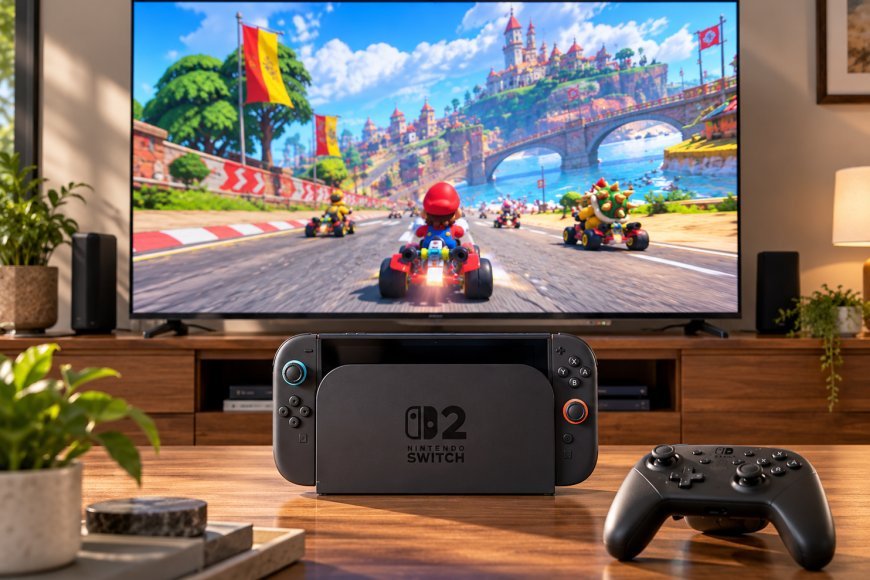
Nintendo Switch 2 now supports variable refresh rate (VRR) when connected to a compatible television, addressing one of the console’s most notable display limitations. The feature arrived with system firmware version 23.0.0, released on September 9, 2026, and can help reduce screen tearing and uneven motion in supported games.
The update extends VRR beyond the Switch 2’s built-in display, bringing the technology to docked TV mode. Nintendo also introduced direct system transfers between Switch 2 consoles, additional display settings, improved GameChat, and easier access to Handheld Mode Boost.
According to Nintendo’s official firmware notes, TV-mode VRR requires compatible game software, a supported television and an updated Switch 2 dock. The feature does not automatically improve every game or increase its maximum frame rate.
How VRR Improves Nintendo Switch 2 Gaming on TVs
Variable refresh rate lets a compatible TV adjust its refresh timing to match the frames the console delivers. Without VRR, differences between a game’s frame rate and the display’s fixed refresh cycle can produce visible tearing or uneven motion.
VRR can reduce those distractions, particularly in games where performance fluctuates. For example, a title that cannot consistently maintain its target frame rate may look smoother when the TV can sync its refresh rate with the console’s output.
Competing consoles already support the technology, including PlayStation 5 and Xbox Series X|S. Its arrival in Switch 2 TV mode brings Nintendo closer to the display capabilities expected from modern gaming hardware.
However, VRR doesn’t make a demanding game run faster. It cannot eliminate every performance problem, and its effectiveness depends on the supported refresh-rate range and how consistently a game delivers frames.
Compatible TVs and an Updated Dock Are Required
Switch 2 owners need more than the system update to use VRR on a television. Nintendo confirms that the connected display and the game must support the feature, and the dock requires a separate firmware update.
The update also adds VRR controls under the console’s Display settings. Nintendo has expanded its video output information screen, letting users review the signal capabilities reported by their connected TV.
Owners should install the latest console and dock updates, then check the display settings to determine whether VRR is available. A television that supports high refresh rates does not necessarily support variable refresh rates, so checking the manufacturer’s specifications remains important.
These requirements mean some players will notice no change after updating. Games that don’t support the relevant VRR output behaviour will continue to run on their existing display and performance settings.
Handheld Mode Boost Gets Easier Controls
Firmware 23.0.0 also makes Handheld Mode Boost easier to access, a feature Nintendo introduced earlier in 2026. The option lets compatible original Nintendo Switch games run with their TV-mode settings while the Switch 2 is undocked.
This can improve the visual presentation of certain older games, though results vary by title. Some software may show no improvement, while other games may use more power or lose handheld-mode functionality.
The latest update adds an option in Quick Settings to turn the feature on or off, reducing the need to navigate the full System Settings menu.
Nintendo’s Handheld Mode Boost support guide explains that the feature affects compatible original Switch software rather than native Switch 2 games. It also warns that touchscreen functionality and certain controller behaviours may change while the mode is enabled.
Handheld Mode Boost is separate from the new TV-mode VRR functionality. One changes how selected older games run undocked, while the other syncs compatible television output with a game’s frame delivery.
Nintendo Adds Switch 2 System Transfers and GameChat Improvements
The firmware introduces direct system transfers between two Nintendo Switch 2 consoles. Previously, Nintendo’s transfer functionality mainly moved information from the original Switch to its successor. The new option makes replacing or moving between Switch 2 systems more straightforward.
GameChat also receives several interface changes. Users can now see previously joined conversations, enter a chat without immediately inviting friends and adjust the shared screen size through the menu opened with the C Button.
Other improvements include additional Virtual Game Card settings, more detailed video output information and the ability to generate QR codes for Miis. Nintendo also added music options to the Mii editor and improved how playtime information displays across multiple consoles.
These changes are smaller than the VRR addition, but they address everyday usability issues that become more noticeable as people spend more time with the system.
What the Update Means for Switch 2 Owners
TV-mode VRR is the most significant gaming improvement in firmware 23.0.0. It gives players with compatible displays another way to achieve smoother-looking motion, particularly in supported games where frame delivery varies during demanding scenes.
There are still important limitations. VRR cannot replace consistent game optimisation, and owners of incompatible TVs won’t get its benefits. The update also doesn’t guarantee that every existing Switch 2 title will automatically support the feature.
For players using a compatible TV, the addition is a welcome improvement that brings Nintendo’s docked experience closer to competing consoles. Combined with system transfers, improved GameChat controls and easier access to Handheld Mode Boost, firmware 23.0.0 represents a meaningful update to the Switch 2’s functionality.
The practical recommendation is straightforward: update the console and dock, check television compatibility and enable VRR where supported. Players should expect improved display synchronisation rather than a universal increase in gaming performance.